Setting Up Infocodes
Infocodes are set up in Setup > Infocodes

To open infocodes select: Retail > Infocodes > Infocodes
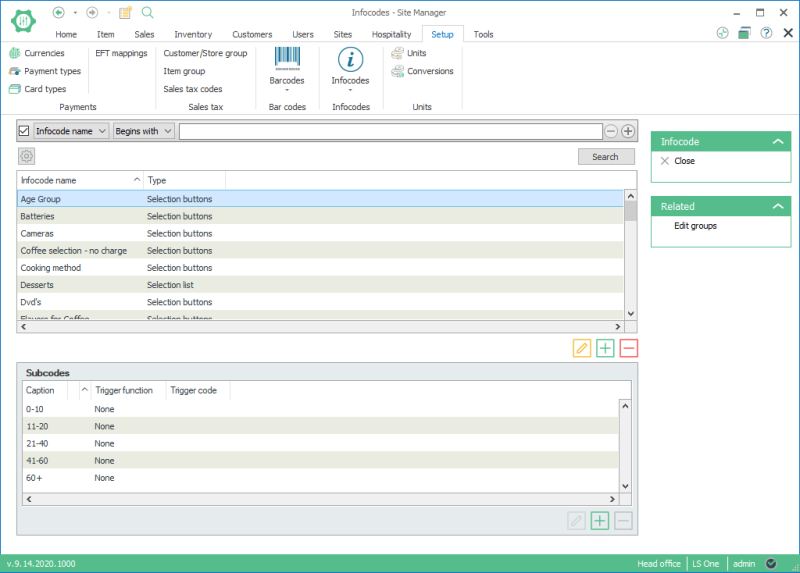
The upper part displays the infocodes and the lower part the subcodes (lines).
Creating an infocode:
- Use the Add
 button to create an infocode.
 - The New infocode window opens. Enter the description for the infocode and then click on OK.
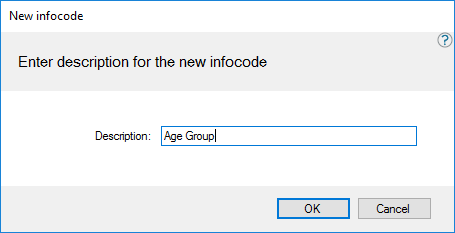
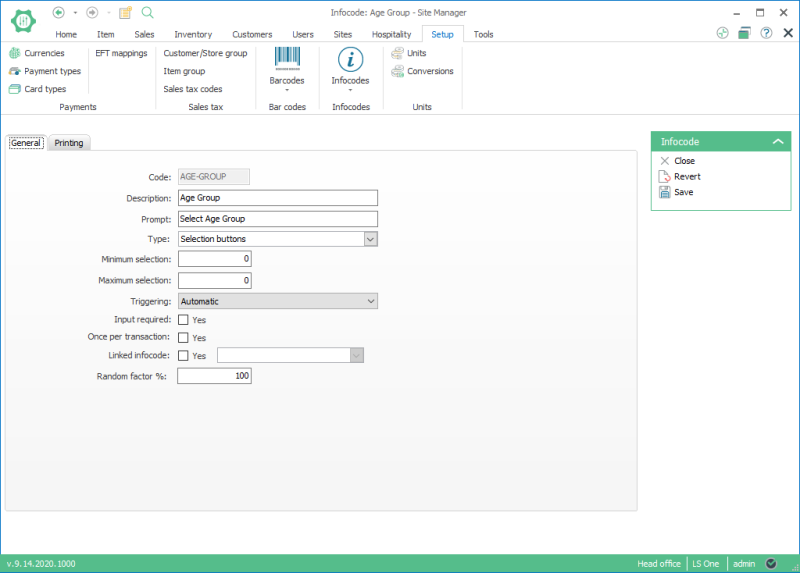
- Enter data into the infocode card.
- Create the subcodes for the infocode.

Subcodes only need to be created for infocodes of the selection list type and selection buttons.
The infocode card:
| Last updated: | 27th October 2016 |
| Version: | LS One 2016.1 |

