Payment Operations
LS One POS has many payment operations. All setups have to have at least one button with a payment operation. It is possible to add many more.
In a transaction it is possible to pay with more than one payment. For example, part of the payment can be by check and the rest with cash or part with foreign currency and the rest with local currency.
 Pay Cash
Open the Cash Payment Window:

Here you can enter the paid amount by either selecting one of the quick buttons on top or by entering the amount manually.
If the payment was equal to or exceeded the total amount due, the transaction is finished.
If the amount exceeded the total amount, a money-back window is displayed.
If the entered amount was lower than the total amount, a line is added below all the sales item lines and the balance is updated.
Note: Which quick buttons are at the top depends on the currency’s unit setup.
Pay Cash Quick
Pays the exact amount with cash.
Note: No prompt or warning will appear.
Pay Check
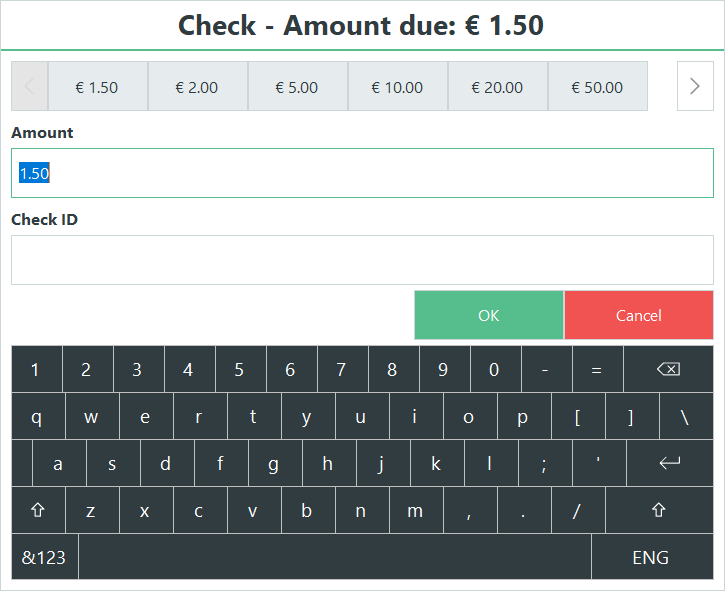
This operation opens the Check Payment Window. You can choose whether or not to print the check. Aside from the printing, this operation behaves exactly like Pay Cash.
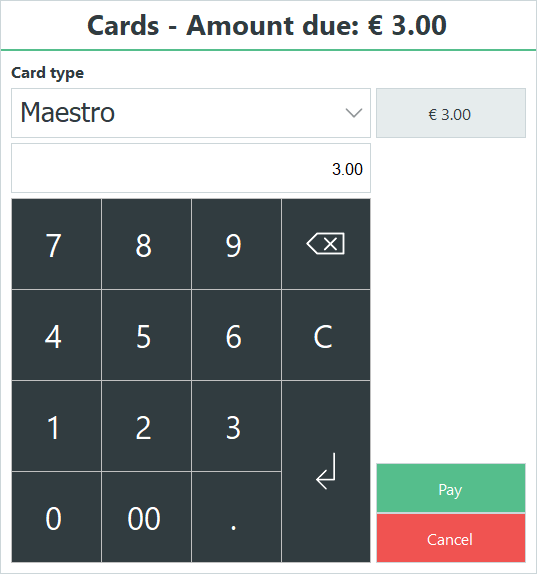 Pay Credit Memo
Displays a window that lets you search for or enter the number of a credit memo. Once you select the credit memo, a payment line is added to the transaction equal to the credit memo amount.

Note: This is only available with a working LS One Site Service.
Pay Currency
An option for payment with other currencies other than the default or local one.
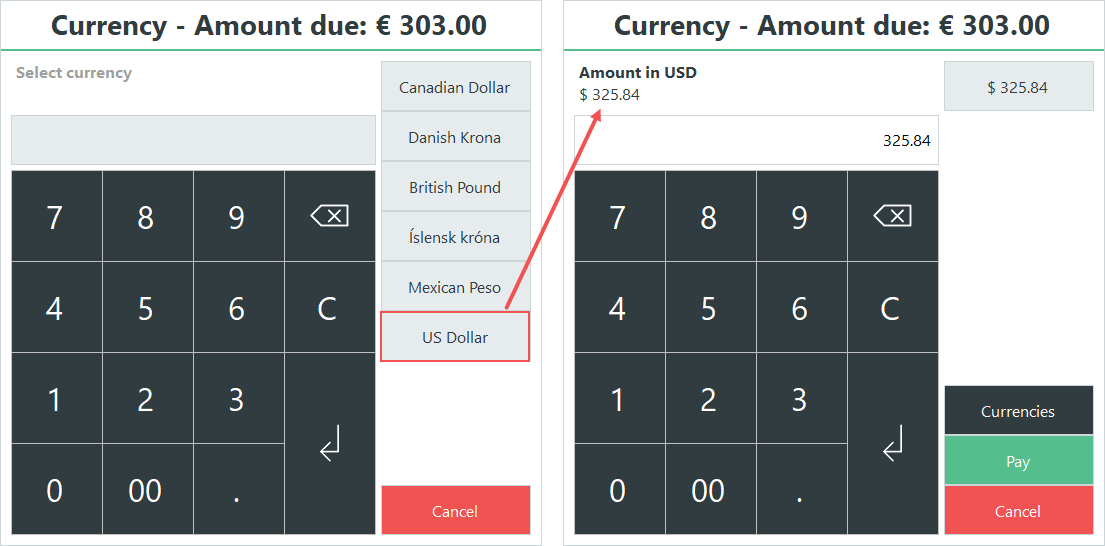
Select a currency, this updates the window where the total is now in the currency selected. Here you need to select a currency from the top buttons, which will give you an exchange rate and how much is due in the selected currency. You can then enter the paid amount either by selecting one of the quick buttons on top or by entering the amount manually.
If the payment was equal to or exceeded the total amount due, the transaction finishes.
If the amount exceeds the total amount, a money back window will be displayed.
If the entered amount was lower than the total amount, a line will be added below, and all the sales item lines and the balance are updated.
The Currencies available are setup up in the Site Manager. See how to set up additional currencies.
In the Demo Data the button, Foreign Currency, covers this operation.
Pay Customer Account
This operation opens the Pay Customer Account window.

Search for the customer account.
Enter the amount, with the quick button or manually.
Press Enter.
Note: It is possible to enter the customer into the sale before the payment is finalized. In this case the customer is already active and displayed in the Customer Account window.
Pay Gift card
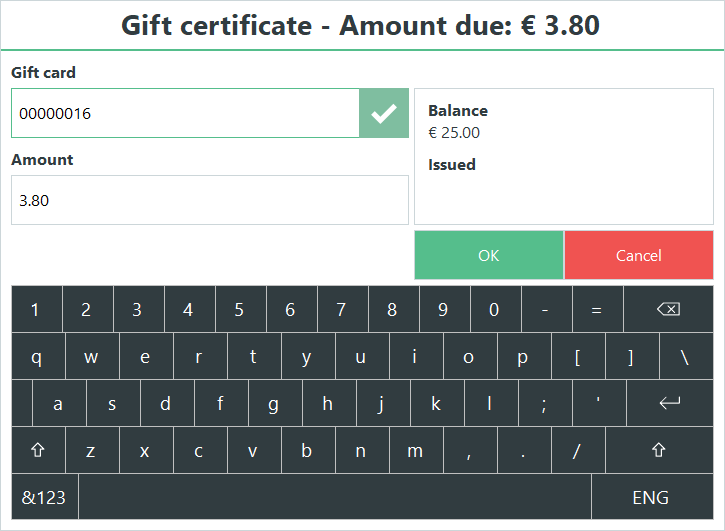
Search for or enter/scan the number of a gift card. Once you select the gift card a payment line is added to the transaction that is equal to the gift card amount.
Note: This is only available with a working LS One Site Service.
| Updated: | June 20120 |
| Version: | LS One 2020 |

