Default Form Profile and Receipt Data
When a new database is created, it will also create a default form profile and receipts data. The profile and receipts created by the system can be edited but they cannot be deleted.
To reset the default profile and receipts to the default settings, go to Sites > [Form and labels] Form profiles, then click on the Reset default profile link from the context menu.
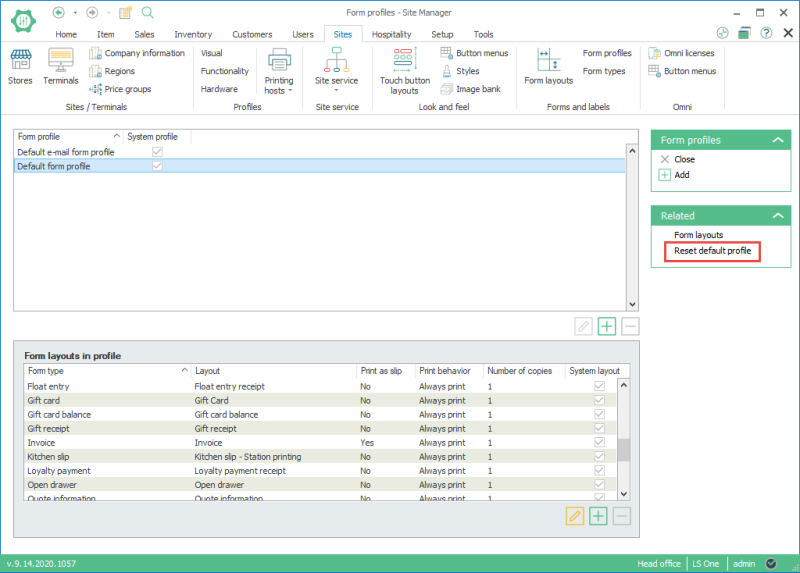

It's possible to have duplicates of form layouts after the default profile has been reset on an old existing database. The layouts are not overwritten since they might perhaps have been modified earlier and we do not want to risk deleting them. The user can manually remove layouts that are not essential.
If a form layout has been heavily changed e.g. a receipt layout, you would NOT want it to be marked as system layout because at reset it will be overwritten.
| Last updated: | June 2020 |
| Version: | LS One 2020 |

