Visual Profiles
The visual profile keeps information about how the LS POS is displayed.
To open Visual profiles select Sites> [Profiles] Visual profiles
Visual profile card: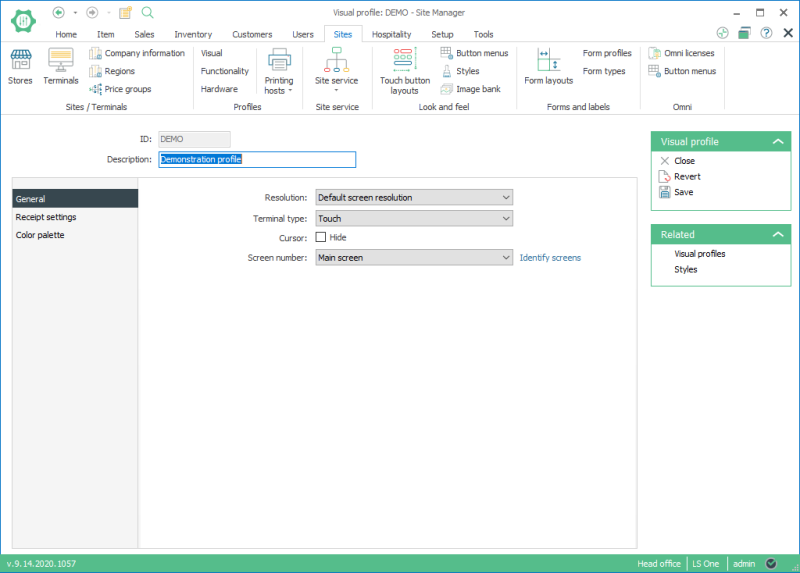
In this setup, various settings for the LS POS display are configured.
General: Includes settings for an example on screen resolution and screen selection
Receipt settings: Here you have settings to control how the on screen receipt panel looks. For an example you can change how it looks in return mode, and how high the payment part of the receipt control is when visible.
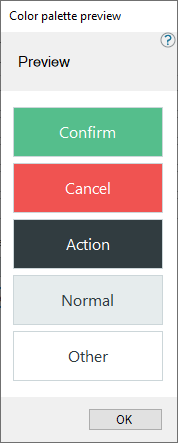
Color palette: Here you can override the look of the standard dialog buttons in the POS. For an example the default color for the OK button is green and cancel is red. But you can override this by selecting a style for each type of button. Use the preview button to see how each type of button looks like with your settings.
| Last updated: | June 2020 |
| Version: | LS One 2020 |

