Store Management
Tools > Administration > Options > Tab Store management:
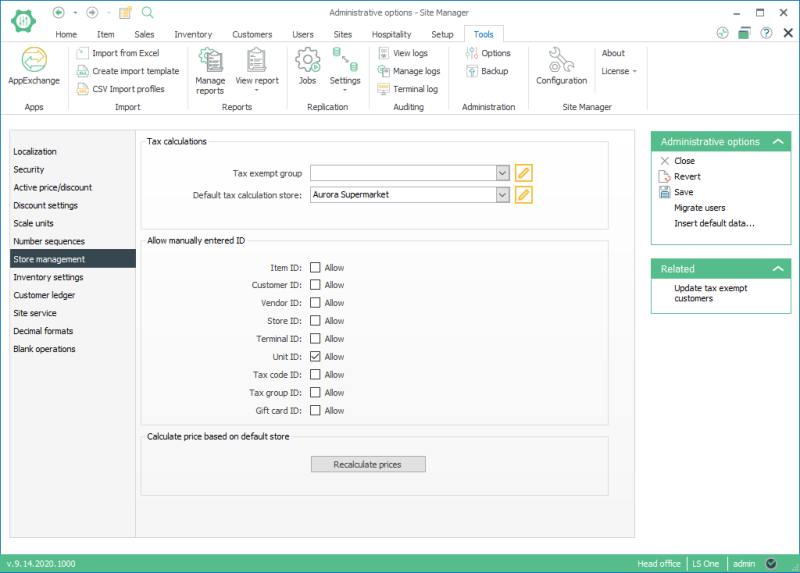
Tax calculations: Here the store within the company which decides the default tax calculation is selected to the field. All prices in the system are shown with this store’s tax settings.
Allow manually entered ID: Select this to be able to create your own ID number for retail items, customers, vendors, stores, terminals and units. When creating for an example a new item, the user has to fill in the ID field since it will not be automatically generated.
Calculate price based on default store: This is a process that should be used with a great caution. The button Recalculate prices, calculates the price or price including tax depending on default tax calculation store for all retail items based on their Item sales tax group and the default sales tax group for the store. This button can be used when tax settings have been changed in the system to recalculate the prices shown in the Site Manager.
| Last reviewed: | January 2018 |
| Version: | LS One 2018 |

