Site Service Profile
A Site Service profile has to be created and configured in the Site Manager.
To open Site Service profiles select Sites > [Site service] Site service > Site service profiles
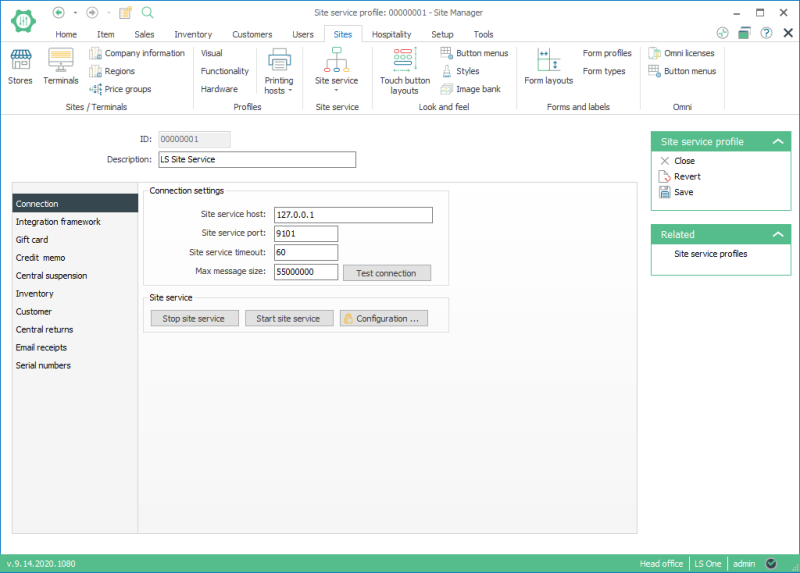
The Site service profile view:
It depends on the configuration and complexity of the system setup if one Site Service Profile is enough or if more need to be created.
The settings should be configured in the central LS One Site Manager database and then replicated to the LS POS terminals.
The Site Service configuration can be edited in a dialog by pressing the Configuration... button. When configuration has been changed the Site Service has to be restarted and that can be done by pressing the Stop site service, and Start site service buttons.

The button, Test Connection tests the connection for the Site Service with the installed Site Service service. It is recommended that you perform this task after the connection parameters have been set up. If the Test Connection does not succeed, check if the LS Site Service has been started in services. The LS Site Service may need to be restarted. If the problem still exists check the installation process for the Site Service.
| Last updated: | June 2020 |
| Version: | LS One 2020 |

