New Active Directory User
To create a new active directory user, is better to first configure the security login. Go to Tools > Administration Options > Security tab.
On the Active Directory section, check the Enabled box and enter the windows domain name
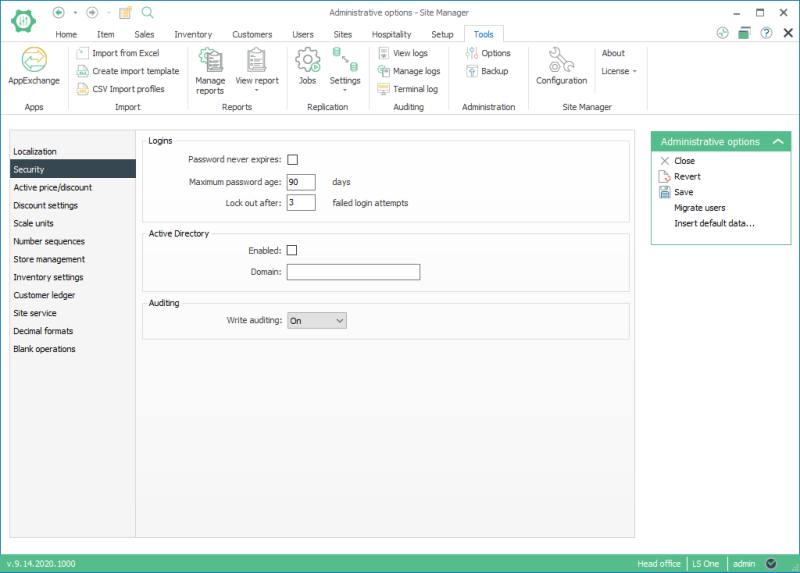
Now you are ready to create a new active directory user. Select Security > Users > New User.
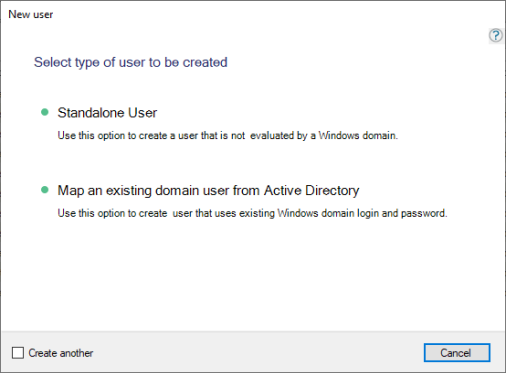
Click on Map an existing domain user from Active Directory
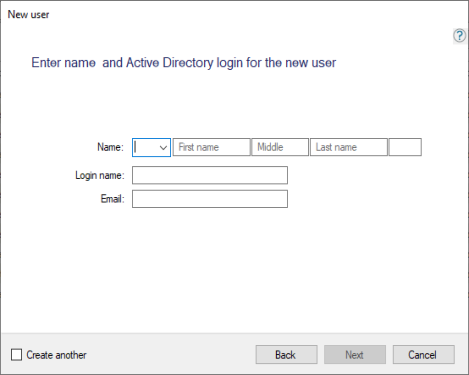
Enter the name of the user and his active directory login
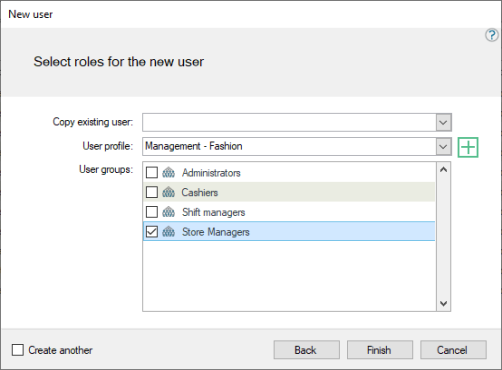
The user is created and the user view shows that he is a domain user
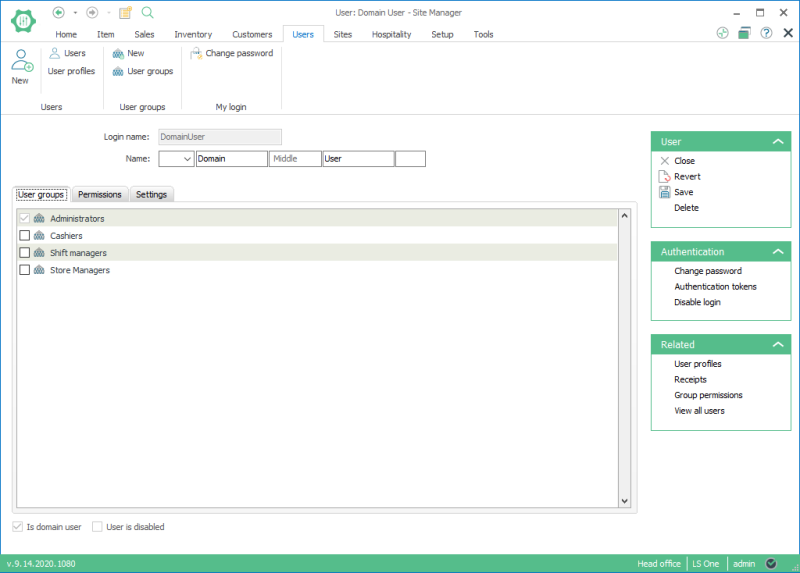

When creating a new user, changing password on next login is true by default.

