Hospitality Types
General setup > Hospitality > Hospitality types
Hospitality types can represent the physical sections within a restaurant. An example is a restaurant consisting of the dine-in section downstairs, the bar upstairs and the dine-in section upstairs. Each section is then set up as a specific hospitality type within the restaurant.
It is mandatory to select a sales type for the hospitality type. Each hospitality type can have only one sales type but the same sales type can be used for more than one hospitality type.
Read how to create a new hospitality type here
General Tab
The general tab has configurations regarding the look and feel of the main Table view where the user can select a table and work with the transaction on it. And also settings for sending orders to printing stations.
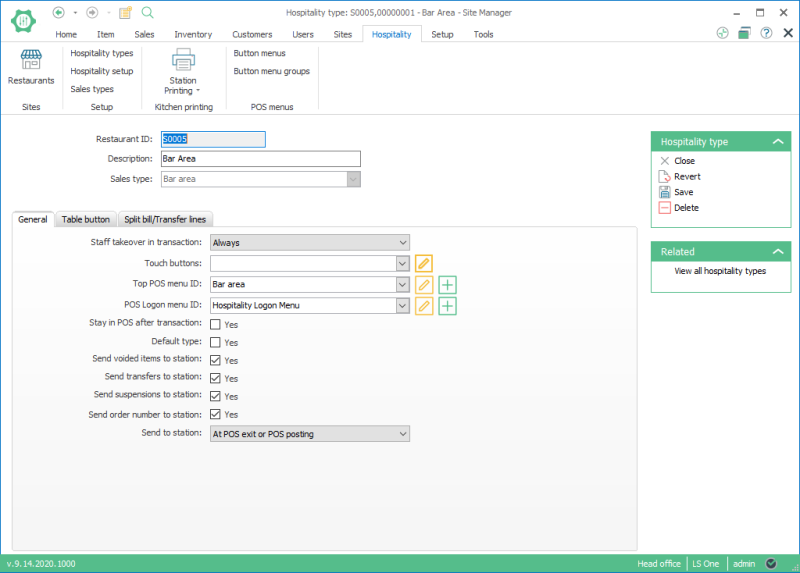
You need to create button menus to select for the Top POS menu ID and POS Logon Menu ID fields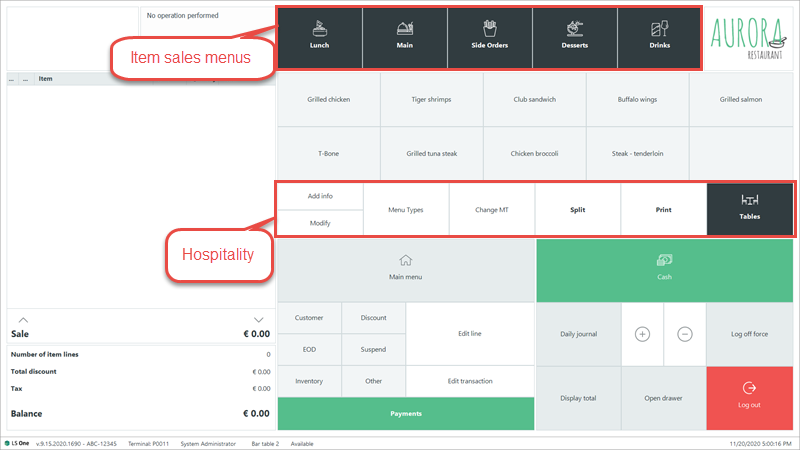
See Hospitality Type View for further information for each field.
Table button tab
This tab configures the table button settings for each hospitality type.
See Hospitality Type View for further description of each field.
See Dining Table Layout for further information on how to create or edit a table layout.
Split Bill/Transfer Lines Tab
This tab configures how split bill and transfer table operations function in the POS.
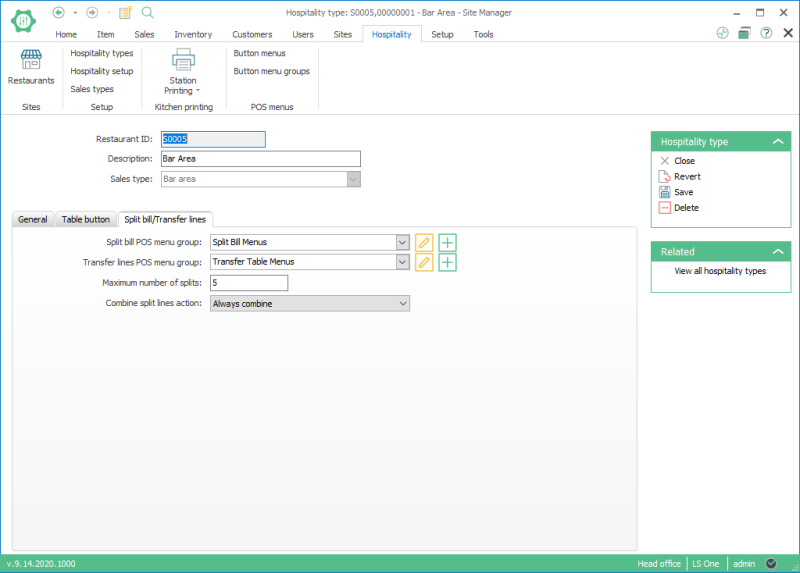
Read about creating the split bill menu and transfer line POS menu groups.
See Hospitality Type View for further information for each field.
| Last review: | Novemeber 2020 |
| Version: | LS One 2020 |

