Stock counting wizard
Inventory > Stock > Counting
This wizard menu gives the user different options to create new stock counting journal and also a possibility to manage them.
What is the dialog used for?
- Select how to create the stock counting journal.
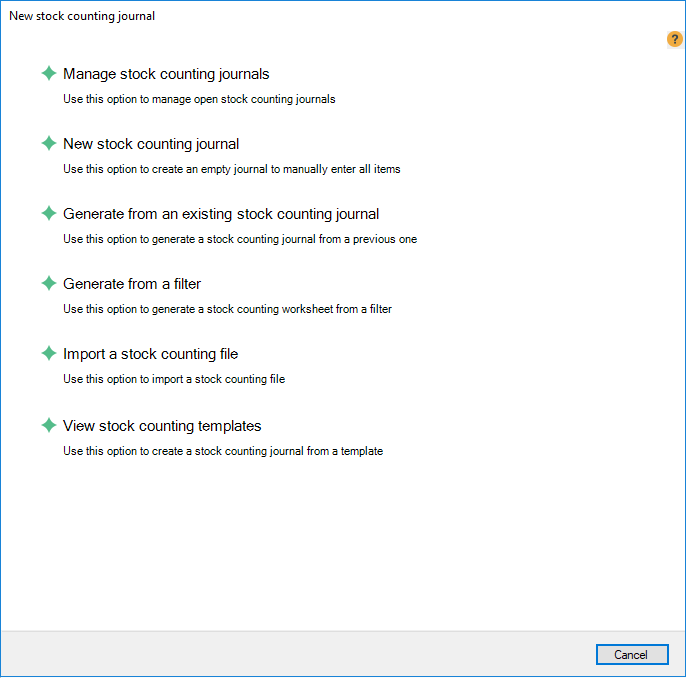
| Buttons | Description |
|---|---|
| Manage stock counting journals |
View and edit existing stock counting journals. |
| New stock counting journal |
Create an empty stock counting journal to manually enter all items. |
| Generate from an existing stock counting journal |
Generate a stock counting journal from a previous one. |
| Generate from a filter |
Generate a stock counting worksheet from a filter. |
| Import a stock counting file |
Import a stock counting file. Both CSV files and Excel files can be imported. |
| View stock counting templates | Select a stock counting template to generate a stock counting journal from. |
| Reviewed: | September 2017 |
| Version: | LS One 2017.2 |

