View All Users
To maintain and edit Site Manager user select Security > Users > View all users
The users view is shown with all available users in the system. See more information on Users View.
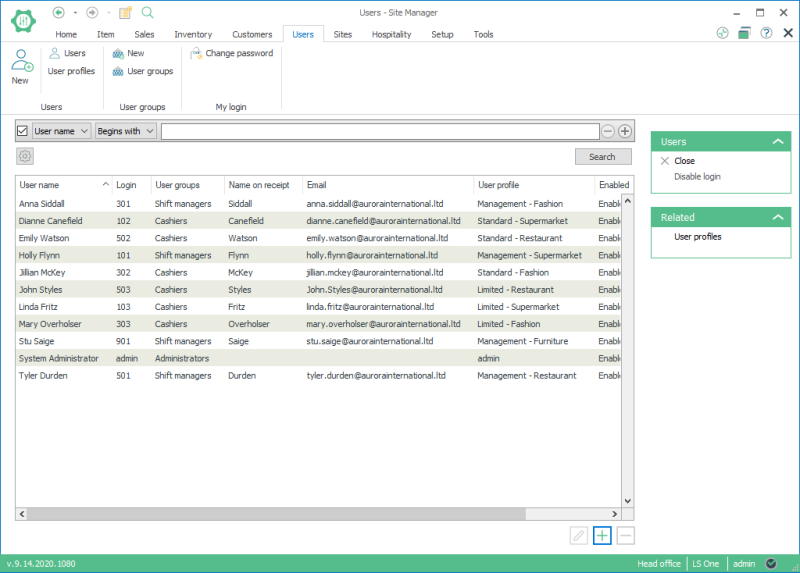
Select an user and click on edit
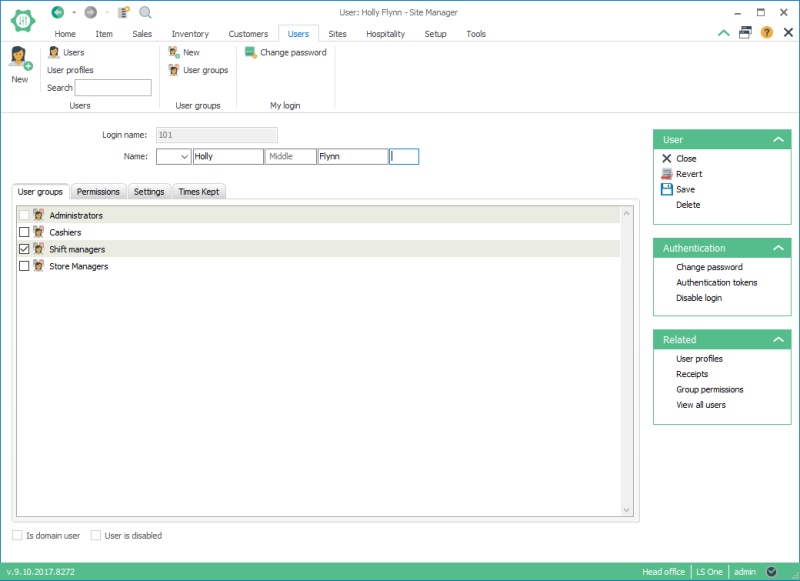
Tab User groups: This tab shows a list of user groups available. A user inherits permissions from the user groups selected. These can be individually overridden in the Permissions tab.
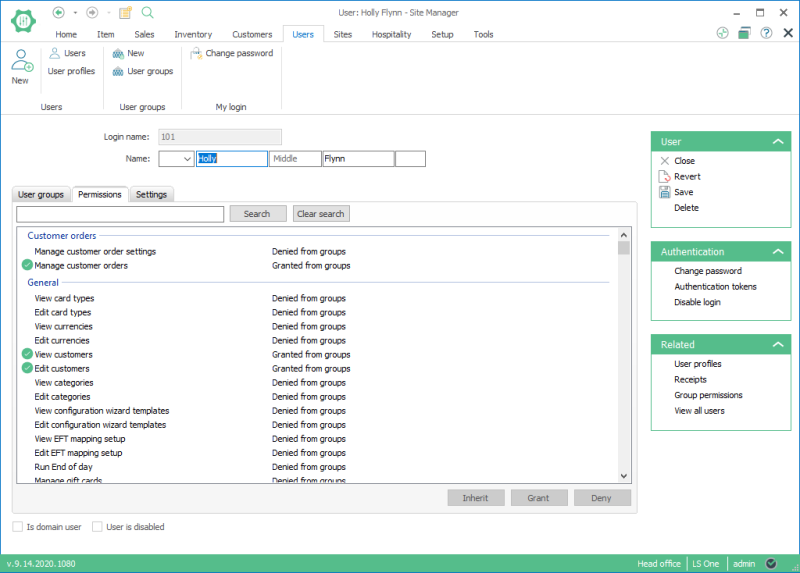
Tab Permissions: On this tab the Site Manager’s actions and POS operations are listed. Permissions are inherited through user groups. They can also be individually adjusted, so user group permissions are overridden.
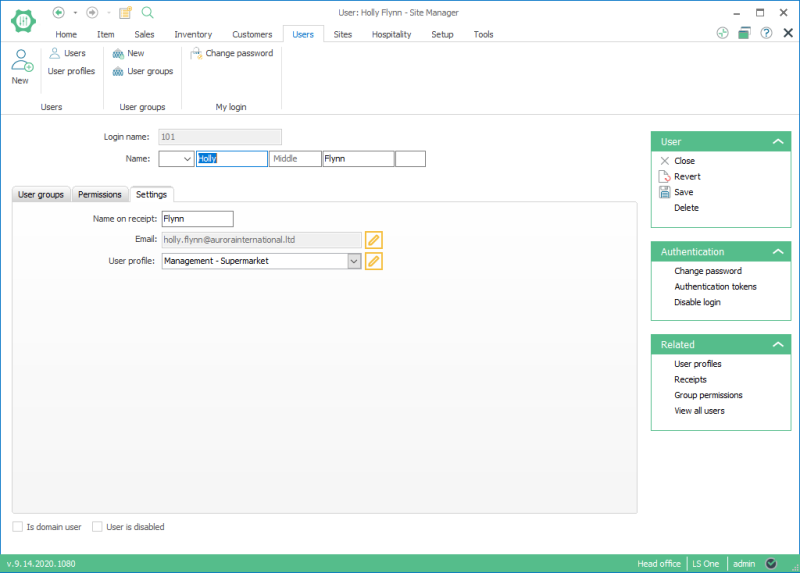
Tab Settings: On this tab you can view and edit the settings for the user. See more information on User.
See also
| Last updated: | 9th June 2017 |
| Version: | LS One 2017.2 |

