Setup for LS Commerce Mobile POS app
To be able to use the LS Commerce Mobile POS app with LS One there is some initial setup that needs to be done.
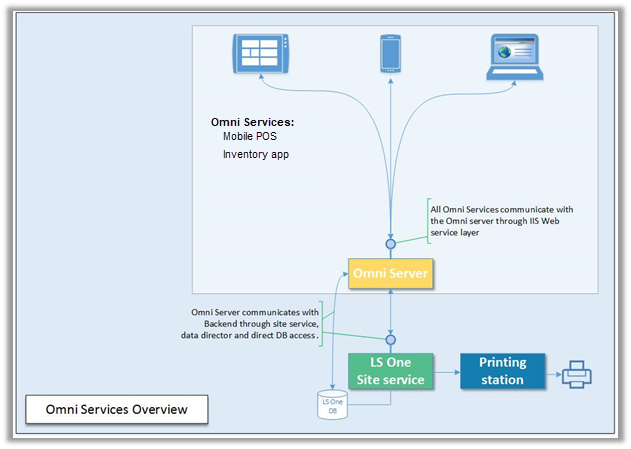
- The LS Commerce Server has to up and running. (Installers and setup guides are to be found at the LS Retail Partner Portal)
- Then the Apps need to be installed.
- For using the app you will need to order and activate LS Commerce Mobile Inventory app licenses.
Site Manager setup
Some setup is needed in the LS One back office.
- Create a special group of items to be displayed in the item image lookup in the Mobile POS
- Create a suspension type for Mobile POS suspensions.
- Select these settings on a specific LS Commerce functionality profile
- A terminal for the LS Commerce mobile device

All the Site Manager setup can be imported in a default data package called LS Commerce Data. This package include the functionality profile, terminal and button menus. Read here how to import a default data package.
| Inserted: | September 2017 |
| Version: | LS One 2017.2 |

